See it in action.
Real screenshots from a real development workflow.
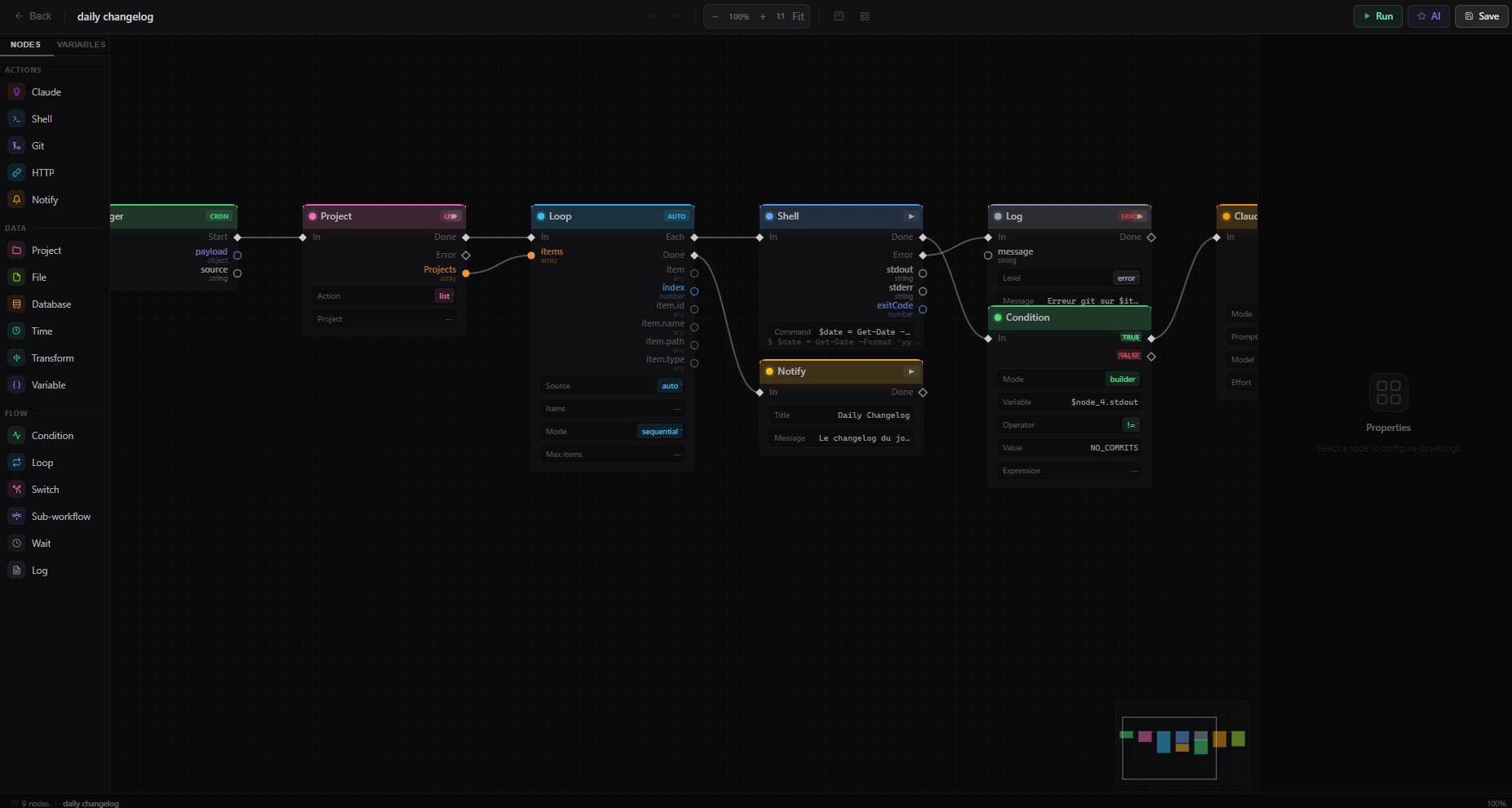 Workflow Editor
 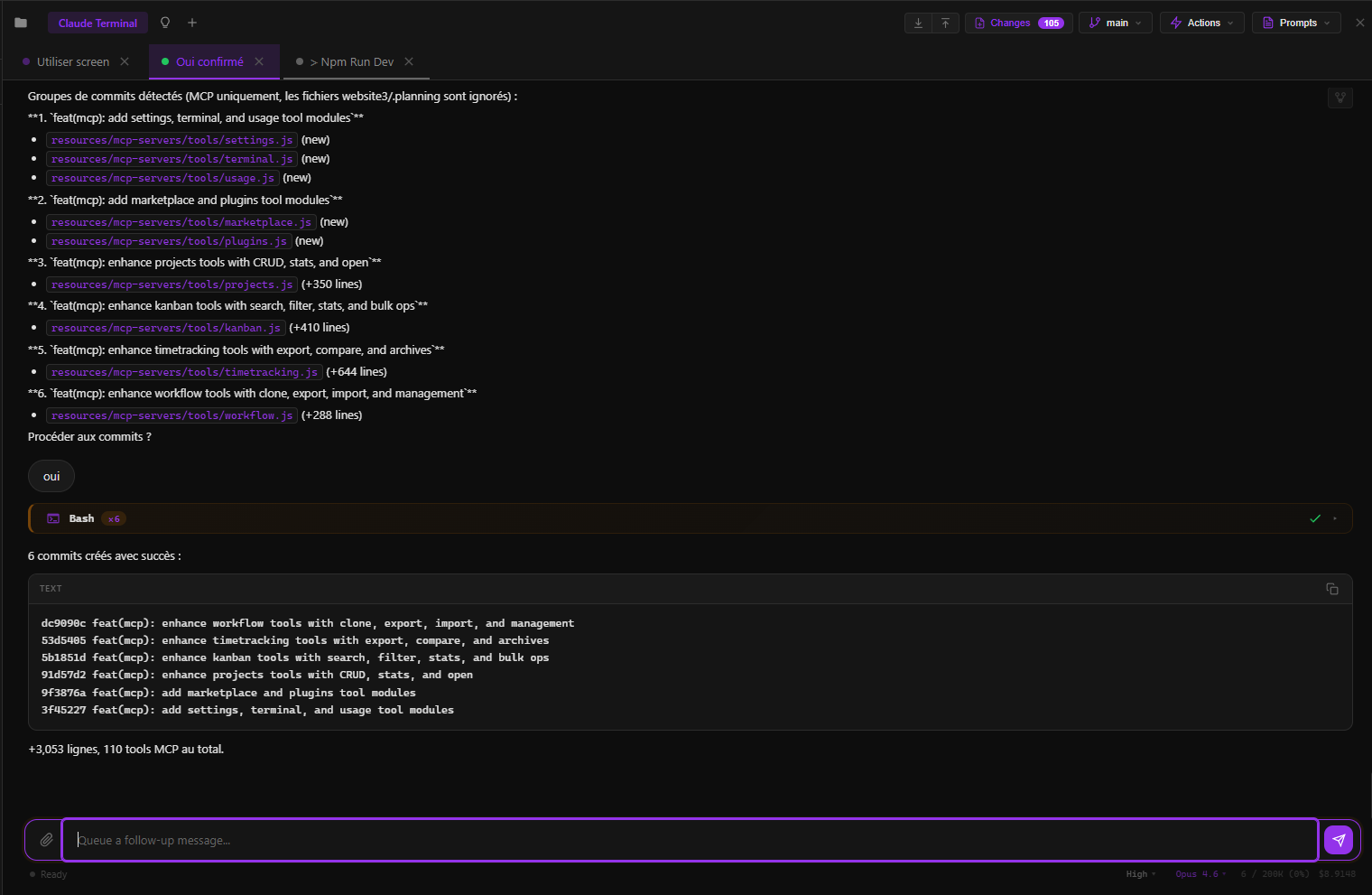 Chat with Claude
 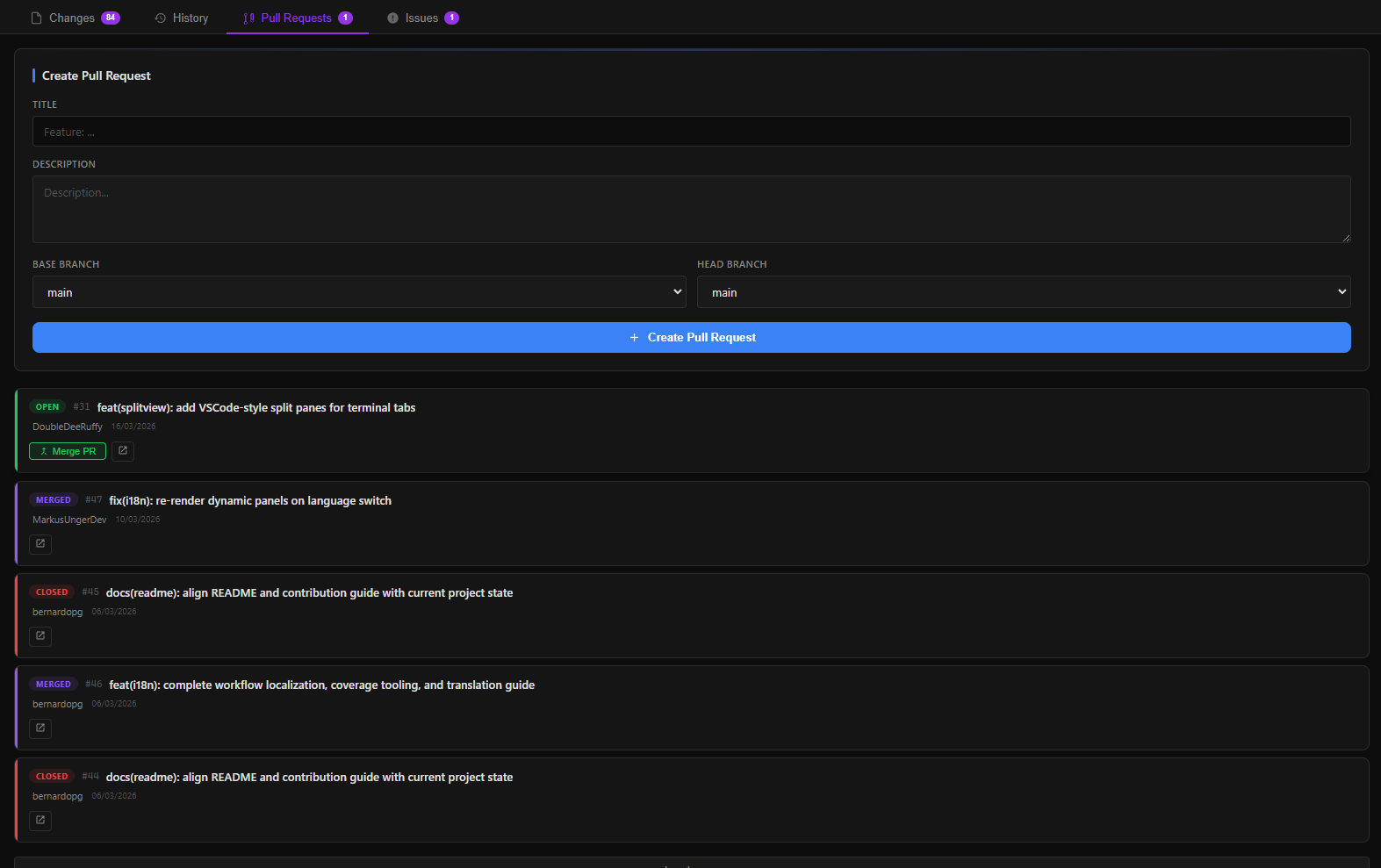 Visual Git
 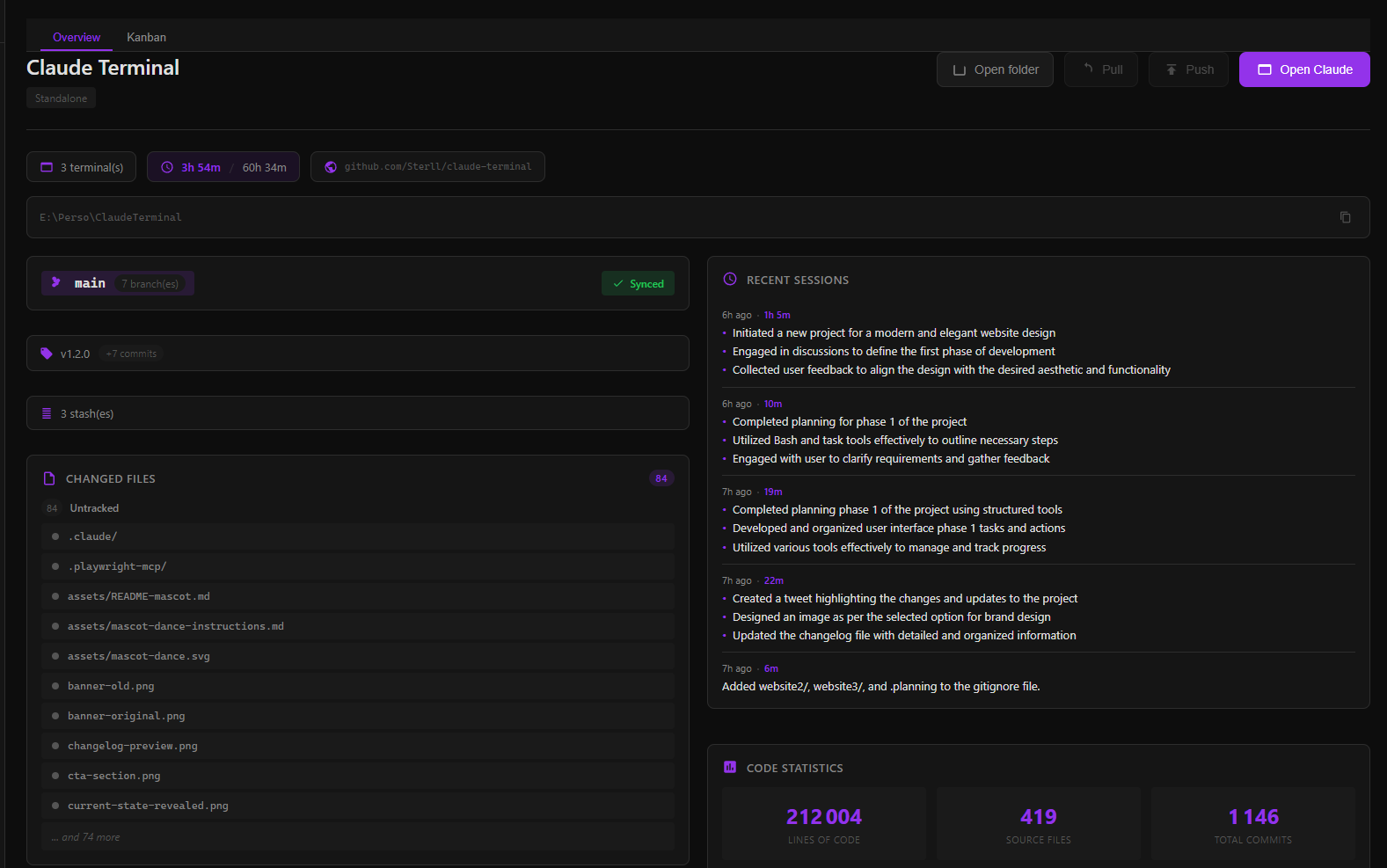 Project Dashboard
 Terminal, Git, file explorer, skills marketplace. Everything Claude Code needs, in one place.
Windows — macOS — Linux — Free & open source — ~80MB
Real screenshots from a real development workflow.
Workflow Editor Chat with Claude Visual Git Project Dashboard Built by a developer who uses Claude Code every day.
Powered by xterm.js with WebGL rendering. As fast as your native terminal, with a better UI.
25+ Git commands built-in. Branches, merge, stash, cherry-pick, PRs, conflicts. No more CLI juggling.
Real-time stats for your sessions, API usage, and project activity. Know where your time goes.
One click. Claude analyzes your diff and generates a perfect conventional commit message.
Automatic per-project tracking. 15-min idle detection. Daily, weekly, monthly breakdowns.
Browse your project files inline. Git status badges, multi-select, inline rename, search.
Organize projects in folders, switch instantly with Ctrl+Shift+P. Per-project settings and terminals.
Auto-detect 20+ frameworks. Start dev servers, live preview, stack detection in one click.
Full chat interface powered by Claude Agent SDK. Multi-turn conversations, tool calls, permission management.
Browse, search, and install community skills. Extend Claude Terminal with one click.
Browse the registry, start and monitor MCP servers. Connect Claude to external tools effortlessly.
OAuth login, create PRs, track workflow runs, view CI status. GitHub without leaving the app.
What changes when you stop juggling tools.
Real workflows, not marketing demos.
One app, all platforms. Pick yours.
Download Claude Terminal and see the difference in 30 seconds.